
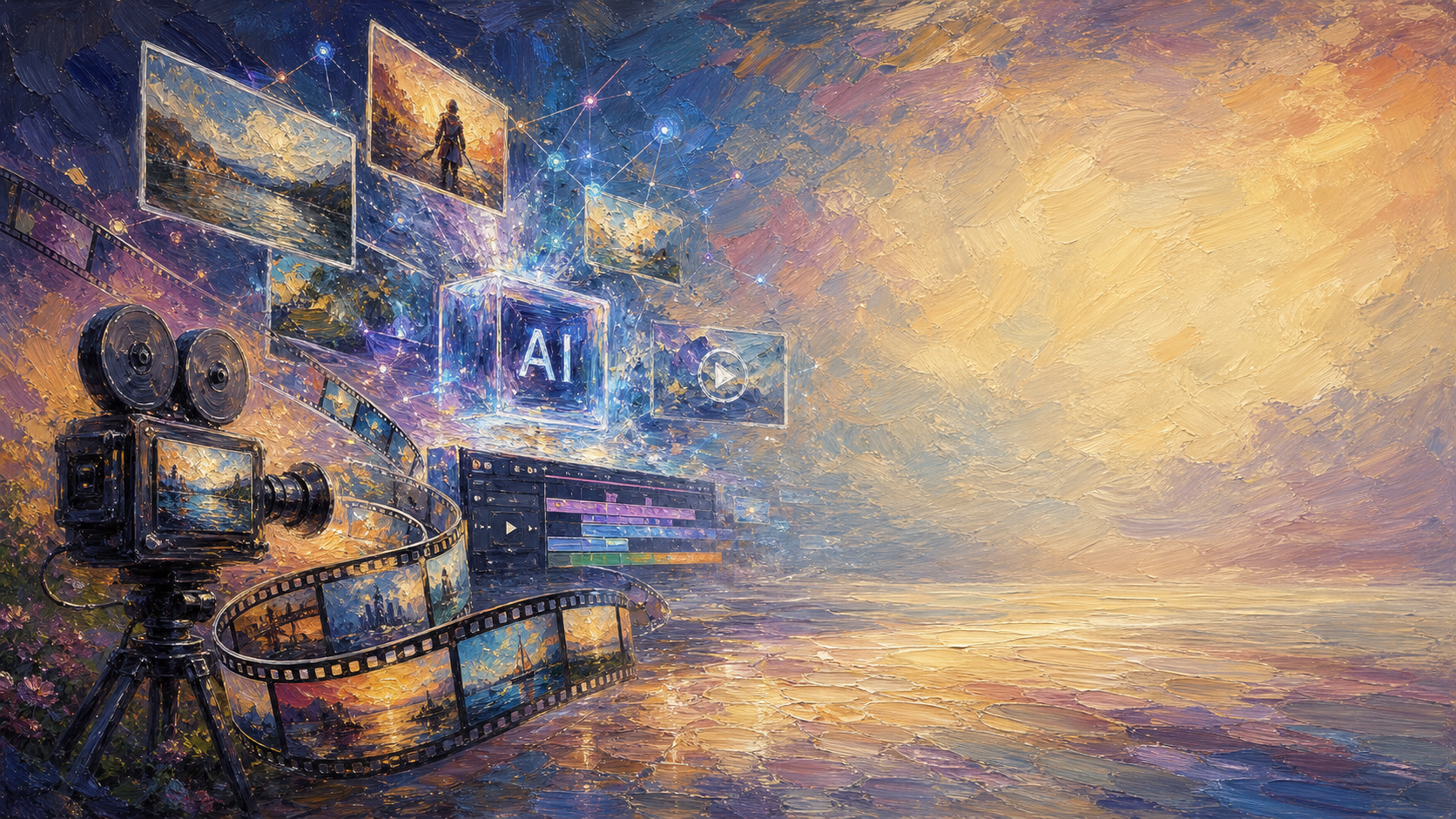
Trình tạo video Omni AI
Omni AI Video được xây dựng trên Omni AI Model mạnh mẽ, một hệ thống tạo video đa phương thức tiên tiến hỗ trợ liền mạch đầu vào văn bản, hình ảnh, âm thanh và video. Được thiết kế cho các nhà sáng tạo tìm kiếm quy trình video AI hoàn chỉnh, Omni AI Video mang đến một trong những trải nghiệm linh hoạt nhất ngành cho việc tạo, chỉnh sửa và tham chiếu hình ảnh video AI.
Gemini Omni Flash supports synchronized audio. Describe sounds, ambience, and dialogue for richer output.
Click to upload images (up to 5)
Supports JPG, PNG, WEBP, max 10MB each
Click to upload a reference video
MP4 / MOV / WEBM, max 50MB, up to 30s
Gemini Omni Flash Tips
- - Reference Images: JPEG / PNG / WEBP / JPG — max 10MB each, up to 5 images.
- - Reference Video: MP4 / MOV / WEBM — max 50MB, up to 30s, 1 video. Pick a trim segment with Start / End (seconds).
- - Duration: 4s / 6s / 8s / 10s — longer clips cost more credits (no video input).
- - Resolution (no video): 720p / 1080p tier 30 / 40 / 50 / 60 credits. 4K tier 70 / 80 / 90 / 100 credits.
- - Resolution (with video): 720p / 1080p flat 80 credits. 4K flat 120 credits.
- - Aspect Ratio: 16:9 for landscape, 9:16 for short-form vertical content.
Omni AI Video là trình tạo video AI đa phương thức hợp nhất
Một trình tạo, mọi đầu vào. Omni Video Model là One AI Model xử lý prompt văn bản, hình ảnh, âm thanh và video trong một pipeline đa phương thức duy nhất trên omniaivideo.ai.
Trình tạo Hợp nhất
Văn bản-thành-video, hình ảnh-thành-video và tham chiếu-thành-video đều chạy trong cùng một trình tạo — One AI Model, không cần đổi công cụ.
Đa Phương thức Theo Thiết kế
Omni Video Model đọc văn bản, hình ảnh, âm thanh và clip tham chiếu cùng lúc, để đầu vào hỗn hợp tạo ra video đầu ra mạch lạc.
Đầu ra Sẵn sàng cho Sản xuất
Tạo video sạch, chất lượng cao từ One AI Model — sẵn sàng cho nội dung mạng xã hội, quảng cáo, showcase sản phẩm và công việc thương mại.
Tạo Video AI Tốt hơn với Omni Video Model
Omni Video Model cung cấp cho nhà sáng tạo One AI Model để chuyển từ ý tưởng đến video hoàn chỉnh. Sử dụng prompt ngôn ngữ tự nhiên, tham chiếu thị giác và gợi ý âm thanh — One AI Model xử lý toàn bộ pipeline video đa phương thức từ một không gian làm việc tập trung.
Omni Video Model Văn bản thành Video
Biến các prompt được viết thành video điện ảnh với One AI Model mang lại chuyển động, bố cục và định hướng thị giác rõ ràng mỗi lần.
Omni Video Model Hình ảnh thành Video
Hoạt hình hóa hình ảnh tham chiếu thành video động với One AI Model bảo toàn chủ thể, phong cách và ý định sáng tạo qua mỗi khung hình.
Omni Image Model Hợp nhất
Lặp lại từ prompt đến xem trước đến xuất cuối cùng với One AI Model — không đổi công cụ, không thiết lập phức tạp, chỉ pipeline Omni Video Model.
Cách Tạo Video AI trên Omni AI Video
Bắt đầu với một ý tưởng, chọn một mô hình và tạo video của bạn trong ba bước nhanh trên omniaivideo.ai.
Mở Trình tạo
Đến trình tạo video AI trên omniaivideo.ai — không gian làm việc hợp nhất được xây quanh trải nghiệm One AI Model.
Mô tả Cảnh của bạn
Viết prompt, tải lên hình ảnh tham chiếu và chọn mô hình phù hợp với cảnh quay từ bộ chọn mô hình.
Tạo và Tải xuống
Render kết quả, xem trước, sau đó tải xuống hoặc xuất bản video AI của bạn cho dự án.
Vì sao Nhà sáng tạo Chọn Omni Video Model
Omni AI Video mang đến cho nhà sáng tạo One AI Model — Omni Video Model — để thiết lập nhanh, điều khiển rõ ràng và đầu ra thực tế trên mỗi dự án sáng tạo thực sự.
One AI Model cho Mọi thứ
Omni Video Model là One AI Model xử lý đầu vào văn bản, hình ảnh, âm thanh và video, để nhà sáng tạo ở một chỗ thay vì xoay sở giữa các công cụ.
Hướng dẫn Đa phương thức
Sử dụng prompt, tham chiếu thị giác và gợi ý âm thanh để điều khiển diện mạo, chủ thể, chuyển động và phong cách — One AI Model giải mã tất cả.
Lặp lại Nhanh
Di chuyển nhanh từ bản nháp đầu tiên đến kết quả tinh chỉnh với quy trình tạo tinh gọn của Omni Video Model.
Đầu ra Video Chất lượng Cao
Tạo video AI trau chuốt với Omni Video Model — phù hợp cho tiếp thị, mạng xã hội, hình ảnh sản phẩm và thử nghiệm sáng tạo.
Truy cập Dựa trên Tín dụng Đơn giản
Sử dụng cấu trúc gói thẳng thắn — One AI Model, một bể tín dụng, không lẫn lộn theo mô hình.
Xây dựng cho Công việc Thương mại
Bản tạo Omni Video Model trả phí có thể dùng cho dự án khách hàng, chiến dịch và nội dung thương hiệu theo điều khoản gói của bạn.
Định giá Omni Video Model Đơn giản
Bắt đầu sáng tạo với Omni Video Model trên omniaivideo.ai. Chọn gói phù hợp với khối lượng video One AI Model của bạn.
Tín dụng miễn phí hàng ngày
Nhận tín dụng miễn phí mỗi 24 giờ
Pro
- 350 credit mỗi tháng
- Cấp một lần đủ 4200 credit
- Tối đa 35 video mỗi tháng
- Tối đa 350 hình ảnh mỗi tháng
- Hỗ trợ tất cả mô hình AI
- Hỗ trợ ưu tiên
- Quyền sử dụng thương mại
- Tốc độ xử lý ưu tiên
- Xóa watermark
Basic
- 150 credit mỗi tháng
- Cấp một lần đủ 1800 credit
- Tối đa 15 video mỗi tháng
- Tối đa 150 hình ảnh mỗi tháng
- Hỗ trợ tất cả mô hình AI
- Hỗ trợ ưu tiên
- Quyền sử dụng thương mại
- Tốc độ xử lý ưu tiên
- Xóa watermark
Max
- 750 credit mỗi tháng
- Cấp một lần đủ 9000 credit
- Tối đa 75 video mỗi tháng
- Tối đa 750 hình ảnh mỗi tháng
- Hỗ trợ tất cả mô hình AI
- Hỗ trợ ưu tiên
- Quyền sử dụng thương mại
- Tốc độ xử lý ưu tiên
- Xóa watermark
Pro Max
- 1,500 credit mỗi tháng
- Cấp một lần đủ 18,000 credit
- Tối đa 150 video mỗi tháng
- Tối đa 1,500 hình ảnh mỗi tháng
- Hỗ trợ tất cả mô hình AI
- Hỗ trợ ưu tiên
- Quyền sử dụng thương mại
- Tốc độ xử lý ưu tiên
- Xóa watermark
Câu Hỏi Thường Gặp về Omni Video Model
Mọi điều bạn cần biết về việc tạo video AI với One AI Model — Omni Video Model.
Omni Video Model là gì?
Omni Video Model là One AI Model vận hành Omni AI Video. Đây là hệ thống đa phương thức được thiết kế để tạo video từ prompt văn bản, tham chiếu hình ảnh, gợi ý âm thanh và định hướng sáng tạo — tất cả ở một nơi.
Vì sao được gọi là One AI Model?
Hầu hết các nền tảng yêu cầu bạn chọn giữa các mô hình văn bản-thành-video, hình ảnh-thành-video và video-thành-video riêng biệt. Omni Video Model là One AI Model xử lý mọi loại đầu vào trong một pipeline hợp nhất.
Tôi tạo video Omni Video Model ở đâu?
Dùng trang AI Video trên omniaivideo.ai. Trang landing gửi các hành động tạo chính tới quy trình /ai-video được vận hành bởi Omni Video Model.
Tôi có thể tạo video từ hình ảnh với Omni Video Model không?
Có. Omni Video Model hỗ trợ các quy trình văn bản-thành-video, hình ảnh-thành-video và tham chiếu-thành-video, nên bạn có thể bắt đầu từ một prompt hoặc tham chiếu hình ảnh với One AI Model.
Tạo mất bao lâu?
Thời gian tạo phụ thuộc vào cài đặt, tải hàng đợi và độ dài đầu ra. Omni Video Model được tinh chỉnh cho việc lặp lại nhanh và sản xuất sáng tạo thực tế.
Tôi có thể dùng video đã tạo cho mục đích thương mại không?
Đầu ra Omni Video Model từ gói trả phí có thể dùng cho công việc thương mại theo điều khoản gói và chính sách của trang. Hãy xem lại điều khoản trước khi xuất bản công việc cho khách hàng hoặc thương hiệu.
Omni AI Video có liên kết với các nhà cung cấp mô hình AI khác không?
Không. Omni AI Video là nền tảng độc lập trên omniaivideo.ai, và Omni Video Model là One AI Model được trang này gắn thương hiệu.
Bắt đầu Sáng tạo với Omni Video Model
Sử dụng One AI Model — Omni Video Model — để biến prompt, hình ảnh và âm thanh thành video AI trau chuốt trên omniaivideo.ai.