
Gemini Omni Flash supports synchronized audio. Describe sounds, ambience, and dialogue for richer output.
Click to upload images (up to 5)
Supports JPG, PNG, WEBP, max 10MB each
Click to upload a reference video
MP4 / MOV / WEBM, max 50MB, up to 30s
Gemini Omni Flash Tips
- - Reference Images: JPEG / PNG / WEBP / JPG — max 10MB each, up to 5 images.
- - Reference Video: MP4 / MOV / WEBM — max 50MB, up to 30s, 1 video. Pick a trim segment with Start / End (seconds).
- - Duration: 4s / 6s / 8s / 10s — longer clips cost more credits (no video input).
- - Resolution (no video): 720p / 1080p tier 30 / 40 / 50 / 60 credits. 4K tier 70 / 80 / 90 / 100 credits.
- - Resolution (with video): 720p / 1080p flat 80 credits. 4K flat 120 credits.
- - Aspect Ratio: 16:9 for landscape, 9:16 for short-form vertical content.
Omni AI Video は統合型マルチモーダル AI 動画ジェネレーター
1 つのジェネレーターで、あらゆる入力に対応。Omni Video Model は One AI Model であり、omniaivideo.ai 上でテキスト、画像、音声、動画のプロンプトを単一のマルチモーダルパイプラインで処理します。
統合型ジェネレーター
テキストから動画、画像から動画、参照から動画まで、すべてが同じジェネレーターで動作します — One AI Model、ツールの切り替え不要。
設計からマルチモーダル
Omni Video Model はテキスト、画像、音声、参照クリップをまとめて読み取るため、混合入力からも一貫した動画出力が得られます。
本番向けの出力
One AI Model からクリーンで高品質な動画を生成 — ソーシャルコンテンツ、広告、製品紹介、商用案件にすぐ使えます。
Omni Video Model でより良い AI 動画を作成
Omni Video Model はクリエイターに One AI Model を提供し、アイデアから完成動画までを後押しします。自然言語プロンプト、ビジュアル参照、音声キューを利用 — One AI Model がマルチモーダル動画パイプライン全体を 1 つの集中ワークスペースで処理します。
Omni Video Model テキストから動画
書かれたプロンプトを、毎回明確なモーション、構図、ビジュアルディレクションを提供する One AI Model でシネマティックな動画に変換します。
Omni Video Model 画像から動画
参照画像を、各フレームで被写体、スタイル、創造的意図を保ちつつ、ダイナミックな動画にアニメーション化する One AI Model。
統合型 Omni Image Model
One AI Model でプロンプトからプレビュー、最終エクスポートまで繰り返し — ツールの切り替えや複雑なセットアップは不要、Omni Video Model のパイプラインだけ。
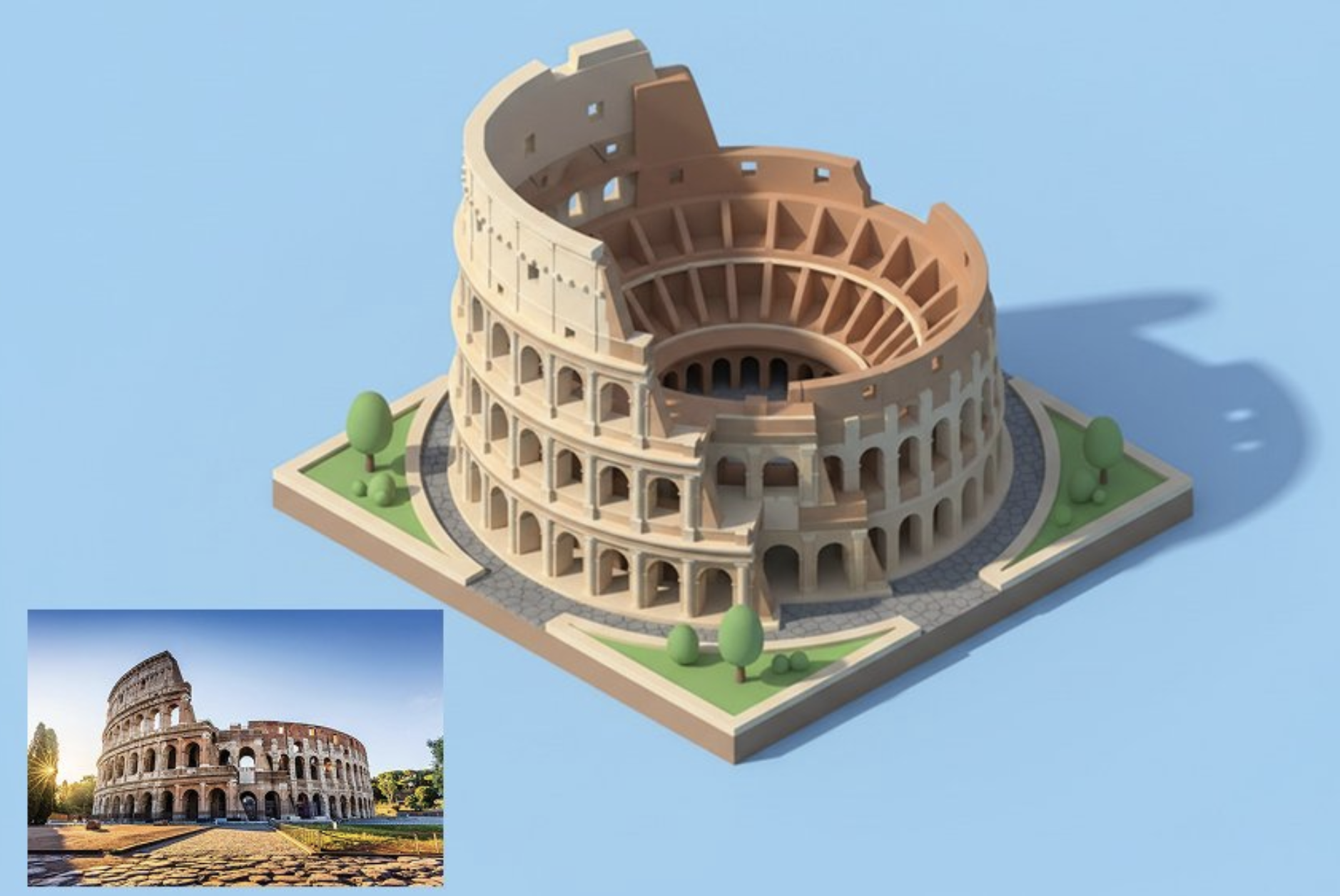
Omni AI Video で AI 動画を作成する方法
アイデアから始め、モデルを選び、omniaivideo.ai で 3 つの簡単なステップで動画を生成しましょう。
ジェネレーターを開く
omniaivideo.ai の AI 動画ジェネレーターへ — One AI Model 体験を中心に構築された統合ワークスペース。
シーンを記述
プロンプトを書き、参照画像をアップロードし、モデルセレクターからショットに合うモデルを選びます。
生成してダウンロード
結果をレンダリングし、プレビューしてから、プロジェクト用に AI 動画をダウンロードまたは公開します。
クリエイターが Omni Video Model を選ぶ理由
Omni AI Video はクリエイターに One AI Model — Omni Video Model — を提供し、迅速なセットアップ、明確なコントロール、実用的な出力をあらゆる本物のクリエイティブプロジェクトで実現します。
すべてに One AI Model
Omni Video Model はテキスト、画像、音声、動画入力を処理する One AI Model で、クリエイターはツールを使い分けることなく 1 か所にとどまれます。
マルチモーダルガイダンス
プロンプト、ビジュアル参照、音声キューを使って、見た目、被写体、動き、スタイルをコントロール — One AI Model がそれらすべてを解釈します。
高速イテレーション
Omni Video Model の効率的な生成ワークフローで、初稿から洗練された結果へ素早く進めます。
高品質な動画出力
Omni Video Model で洗練された AI 動画を作成 — マーケティング、SNS、製品ビジュアル、創作実験に適しています。
シンプルなクレジットベースのアクセス
わかりやすいプラン構成 — One AI Model、1 つのクレジットプール、モデルごとの混乱なし。
商用利用に対応
有料プランの Omni Video Model 生成物は、プラン規約に従ってクライアント案件、キャンペーン、ブランドコンテンツに使用できます。
シンプルな Omni Video Model 料金
omniaivideo.ai で Omni Video Model による作成を開始。あなたの One AI Model 動画ワークロードに合うプランを選びましょう。
デイリー無料クレジット
24時間ごとに無料クレジットを獲得
Pro
- 350 クレジット/月
- 4200クレジットを一括付与
- 月に最大35本の動画
- 月に最大350枚の画像
- すべてのAIモデルに対応
- 優先サポート
- 商用利用権
- 優先処理速度
- 透かしを削除
Basic
- 150 クレジット/月
- 1800クレジットを一括付与
- 月に最大15本の動画
- 月に最大150枚の画像
- すべてのAIモデルに対応
- 優先サポート
- 商用利用権
- 優先処理速度
- 透かしを削除
Max
- 750 クレジット/月
- 9000クレジットを一括付与
- 月に最大75本の動画
- 月に最大750枚の画像
- すべてのAIモデルに対応
- 優先サポート
- 商用利用権
- 優先処理速度
- 透かしを削除
Pro Max
- 1,500 クレジット/月
- 18,000クレジットを一括付与
- 月に最大150本の動画
- 月に最大1,500枚の画像
- すべてのAIモデルに対応
- 優先サポート
- 商用利用権
- 優先処理速度
- 透かしを削除
Omni Video Model に関するよくある質問
One AI Model — Omni Video Model — で AI 動画を作成するために知っておくべきすべて。
Omni Video Model とは何ですか?
Omni Video Model は Omni AI Video を支える One AI Model です。テキストプロンプト、画像参照、音声キュー、クリエイティブディレクションから動画を生成するために設計されたマルチモーダルシステムで、すべてが 1 か所に集約されています。
なぜ One AI Model と呼ばれるのですか?
多くのプラットフォームではテキストから動画、画像から動画、動画から動画を別々のモデルから選ばなければなりません。Omni Video Model は One AI Model としてあらゆる入力タイプを単一の統合パイプラインで処理します。
Omni Video Model の動画はどこで作成しますか?
omniaivideo.ai の AI Video ページを使用します。ランディングページは主要な作成アクションを Omni Video Model 駆動の /ai-video ワークフローに送ります。
Omni Video Model で画像から動画を作れますか?
はい。Omni Video Model はテキストから動画、画像から動画、参照から動画のワークフローをサポートしており、One AI Model でプロンプトやビジュアル参照から開始できます。
生成にどれくらいの時間がかかりますか?
生成時間は設定、キューの負荷、出力長によって異なります。Omni Video Model は高速イテレーションと実用的なクリエイティブ制作向けに調整されています。
生成した動画を商用利用できますか?
有料プランの Omni Video Model 出力は、プラン規約とサイトポリシーに従って商用利用が可能です。クライアントやブランドの公開前に規約を確認してください。
Omni AI Video は他の AI モデル提供者と提携していますか?
いいえ。Omni AI Video は omniaivideo.ai 上の独立したプラットフォームであり、Omni Video Model は本サイトがブランディングする One AI Model です。
Omni Video Model で作成を開始
One AI Model — Omni Video Model — を使って、プロンプト、画像、音声を omniaivideo.ai で洗練された AI 動画に変えましょう。